Prijavite se u SolidCP panel
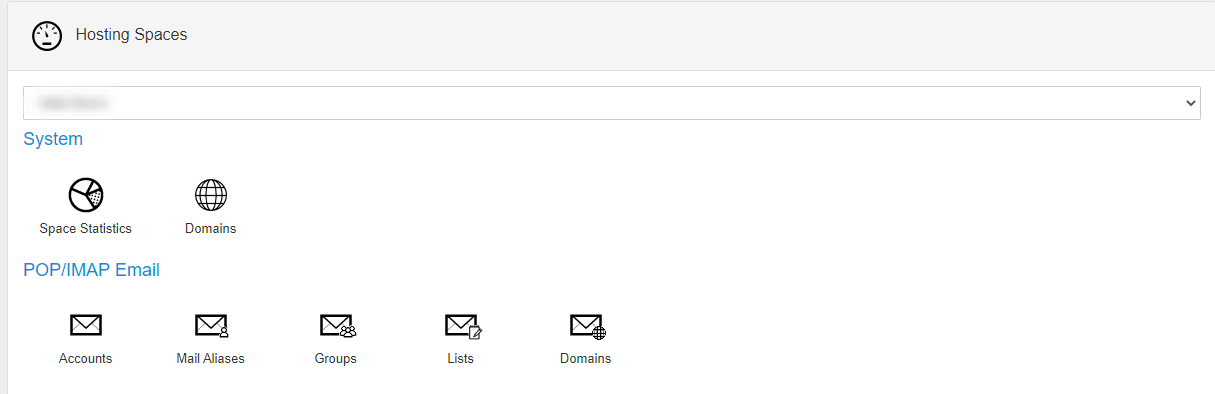
Kliknite na Accounts u kategoriji POP/IMAP Email:
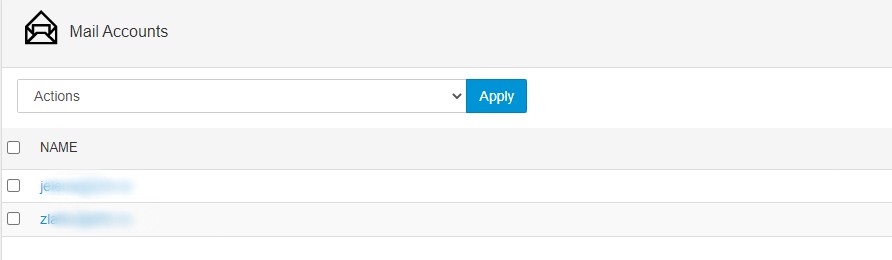
Izaberite mail adresu za koju želite da postavite forwarder:
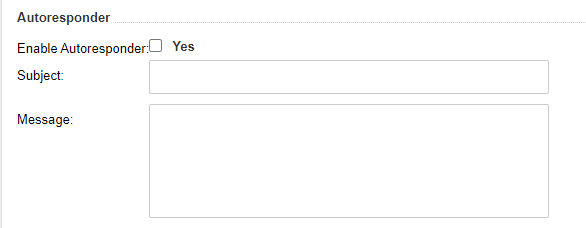
Skrolujte dole i videćete polje za podešavanje autorespondera. Čekirajte Enable Autoresponder opciju, unesite naslov i sadržaj autoresponder poruke:
Klikom na Save čuvate napravljeni autoresponder.