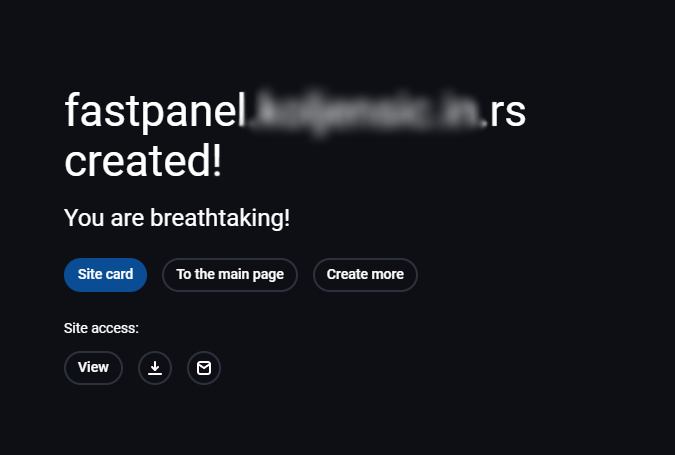
After logging into your FastPanel, you'll have the option to create a new website:
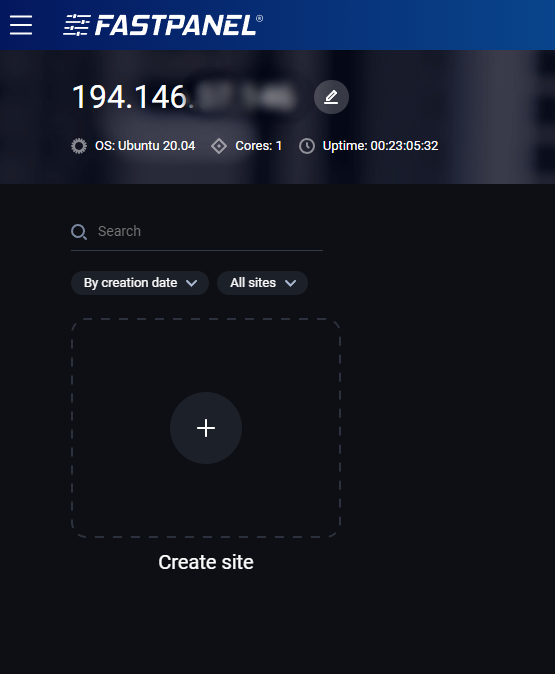
Click on a plus sign above 'Create site'. After that, you will be given few different options for creating a website. In this text, we'll go over creating a WordPress website.

Click on a Create a CMS based site template.
Now you will be prompted to enter your domain and some other information.

Option Add 'www' alias will create all the necessary settings for the www alias.
The DNS account option leave on the default setting Do not create a DNS zone since you already have a DNS zone in your portal.
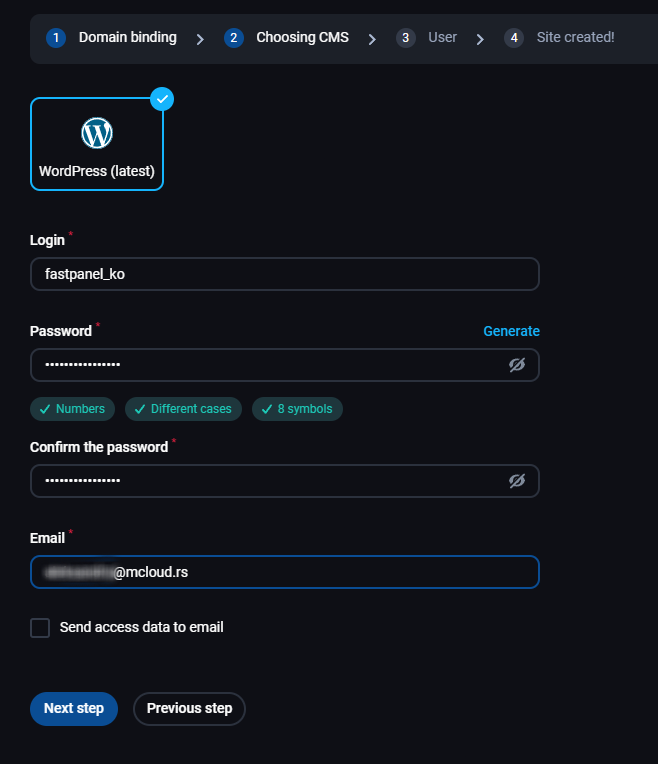
In the next step, you'll create a WordPress admin, just enter the username and password you wish to use and an email address that will be linked to that account. Below you have the option to send the login info to your email after the installation is complete.
The next step will connect your website with fastuser.

That's it, you installed WordPress and can now build your website.