After logging into your FastPanel, you'll have the option to create a new website:
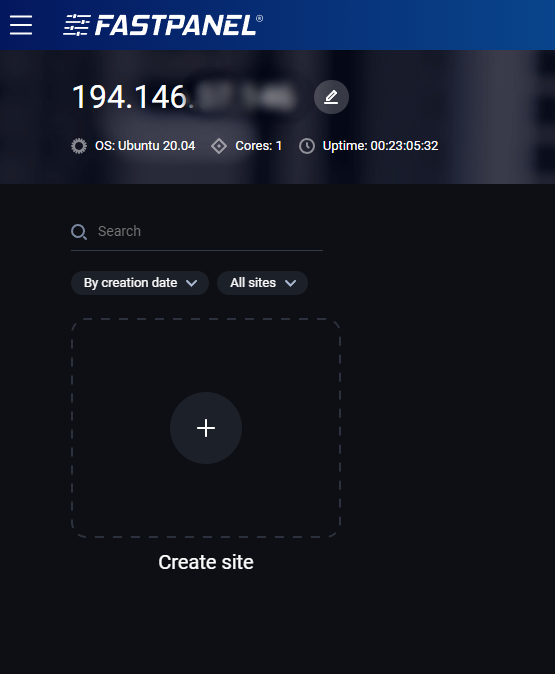
Click on a plus sign above 'Create site'. After that, you will be given a few options for creating a website. In this text, we'll go over creating a website using a systemd template.

Click on Systemd template.
Now you will be prompted to enter your domain and some other information.

Option Add 'www' alias will create all the necessary settings for the www alias.
The DNS account option leave on the default setting Do not create a DNS zone since you already have a DNS zone in your portal.
After this, you can create your website with the default settings set by FastPanel or change them by clicking on a little pencil in the corner of the section you wish to change.

Backend
This option lets you choose backend type:

- PHP - create a website or application using PHP

You can choose what handler and handler(php) version to use.
- Systemd - run websites and services managed via systemd units as seperate backend applications
- Reverse proxy - create a site that works as a reverse proxy for another service

- Static content - create a static website (html, css, js, images)
Database
This option is for database settings.
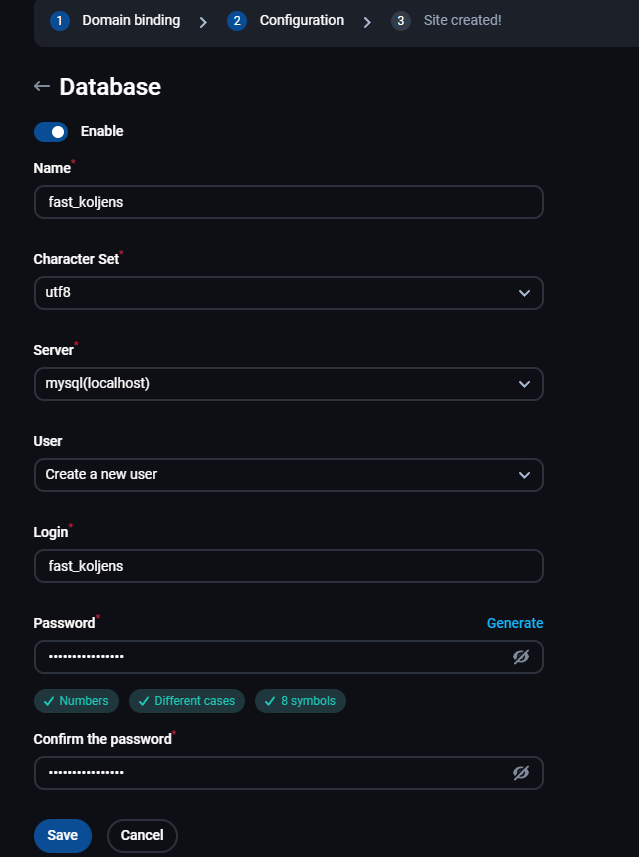
Here, you can disable MySQL for that website if you don't need it or create a database and a database user. First, enter the database name, and after that Character set you wish to use, mysql server (localhost or remote). Below you can enter the username and password for the database user.
Backup copies
This option lets you select which backup plan you want to use:

FTP accounts
This option is for creating a FTP user.
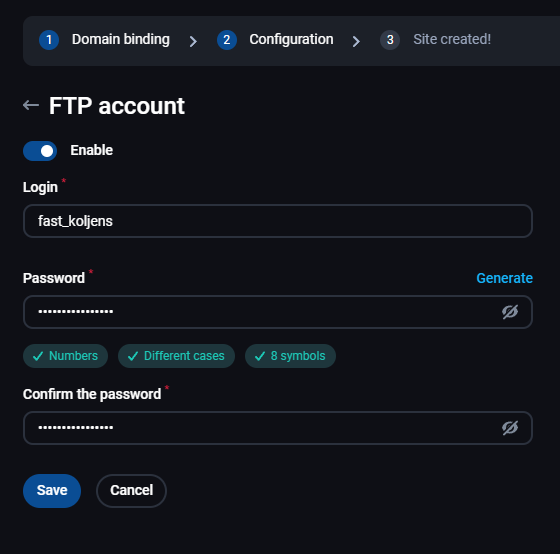
If you don't need an FTP user, you can disable it here, also you can change the username and password for the FTP user.
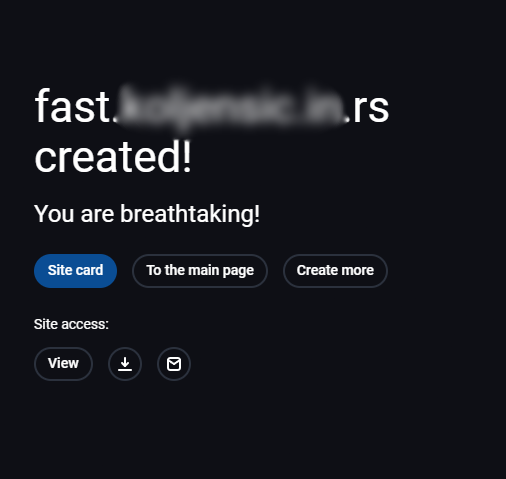
After making all the changes you wanted, you can create the website and you'll get the following message: